
Section 1 | General Advice
-
- There is no one device that is suitable for all students.
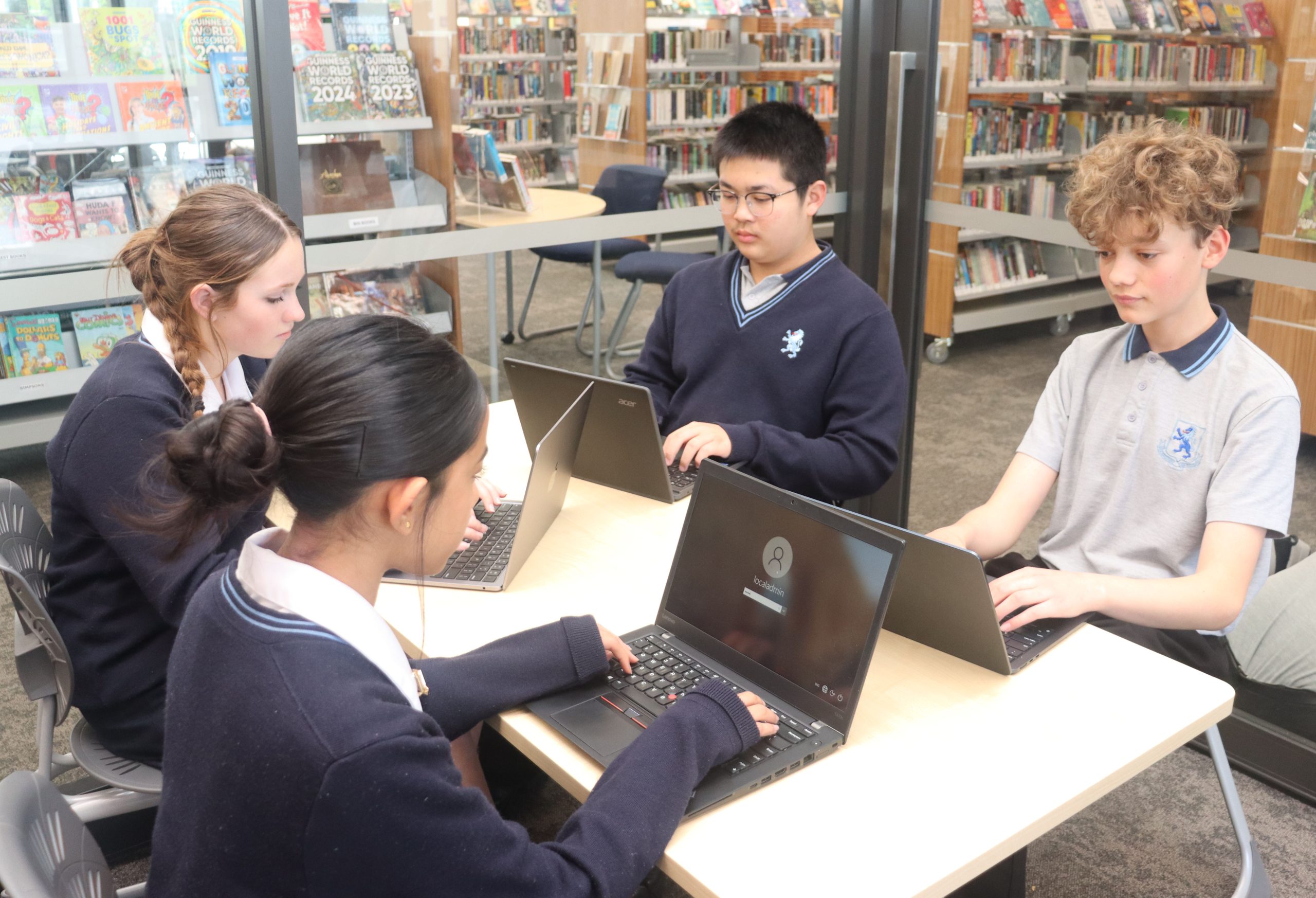
- We recommend that students bring either a MacBook or a Windows laptop as their digital learning device. A device with a keyboard is needed for online examinations. If your child already has an iPad with a keyboard, this may be used at the moment, but future requirements for online assessment may hinder the use of iPads. Android tablets are not suitable as BYOD devices as they are not compatible with the school network.
- Chromebooks may be a suitable option for some students. If a student already has a Chromebook from Intermediate it may provide adequate support initially. Chromebooks do have their limitations however which include longevity, suitability for higher specification courses and some software used at MAGS may not fully work.
- A MacBook or Windows laptop are highly recommended for senior students (Years 11- 13).
- Older devices (below our recommended specifications) are not suitable, as they often become slow, have poor battery capacity and cannot upgrade to the latest software. Older devices can therefore lead to frustration and adversely affect student learning. They may not be able to connect to the school’s wi-fi network.
- A phone is not allowed in class, unless specific teacher approval is granted. (They are not suitable for all learning tasks. Phone use is usually restricted to taking photos of the classroom whiteboard notes, taking videos for learning, etc. )
- * BYOD means ‘Bring Your Own Device’.
Please note that the device use is monitored on the school network.
Section 2 | Minimum Specifications for Devices
| Device | Specifications (please check it has a camera and microphone) |
Price range | Expected life |
| MacBook | All are suitable (Air and Pro models) | Higher | 4-5 years |
| Windows | Windows 10 or 11, 4GB RAM or better (8GB preferred) 256GB hard drive or larger (SSD drives preferred over HDD), 2.4GHz processor or higher. | Medium to high | 3-4 years |
NOTE: Specific Subject Requirements: If your child is doing media studies, photography or art design and wishes to have a yearly education Adobe Creative Cloud subscription, a MacBook or a Windows laptop is required and it should have at least 8GB RAM (16GB preferred) and a 256GB (512GB preferred) SSD hard drive. The Windows processor should be able to perform at 2.4GHz or faster. A MacBook Air with a “M” chip works well, but the MacBook Pro will give you more “grunt” and will process quicker. Students studying digital technologies in years 11-13 will need a Macbook or a Windows laptop.
Note: Microsoft Office is available to MAGS students free of charge. It will be available once a student receives their email address when they start school.